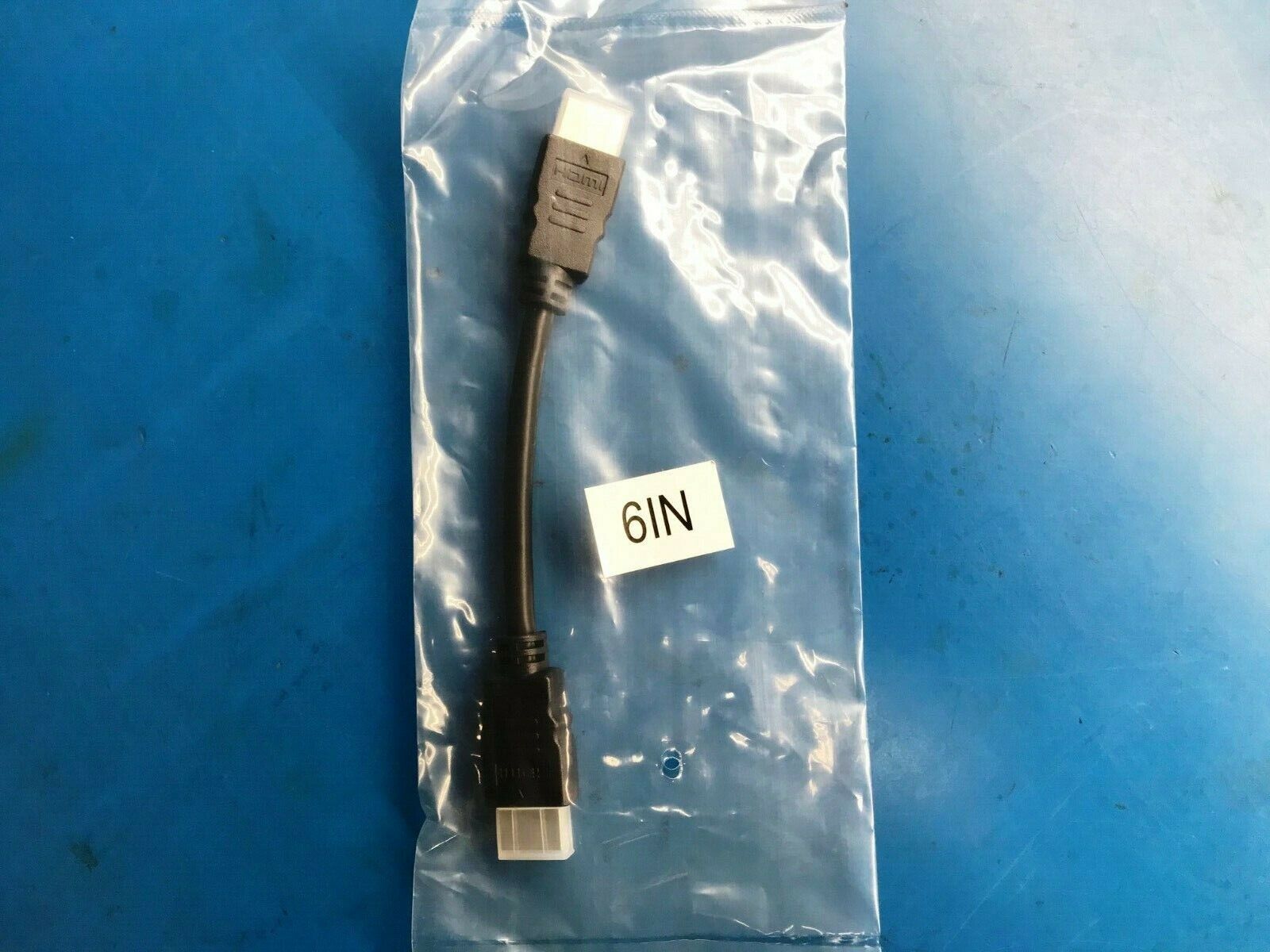
HDMI Cable 4K UHD 2.0 Ultra HD High Speed 1080P HDR 60Hz 18Gbps HDCP HDTV
USD $4.40
Condition : New
Free Shipping

Notify me when the price drops
We will email you if we find a lower price on this product!
- 【Supports Latest HDMI Standard 】 Upgraded HDMI 2.0 HD cables, 4K HD picture quality transmission compatible 2k 60hz/30hz,more exquisite picture, enjoy the 3D vision, enjoy theater level effect at home.
- 【Quality Experience 】 No double image, no flashing screen, TMDS transmission differential signal, aluminum foil ground woven (round) multiple shielding, transmission stability without loss.Large screen projection, office/speech more clear and efficient, automatic synchronization of audio and video, no manual adjustment, enjoy sound vision.
- 【 Maximizing Signal Strength 】Gold plated interface, corrosion and oxidation resistance, long-term use of rust, signal transmission is still stable.100% Pure copper conductors, Triple Cable Shielding, 24K Gold-plated full metal jacket connectors.
- 【 Compatible with all HDMI Components 】Connect Blu-Ray Player, Apple TV, Xbox One, PS4, Roku, and laptops with HDMI output to 4K UHD TV, projectors, A/V Receiver, etc.
- 【Best Commitment to Customers】 We have professional customer service personnel who can solve any problems in purchasing and using products and bring you a satisfactory shopping experience.
Tips:
Usage 1. First of all, you have to make sure that your computer and TV have HDMI ports. If not, you can use a DVI-HDMI adapter. 2. Connect the HDMI cable to the HDMI port of the computer and the TV. 3. There will be two desktops in the desktop right-click Properties - Display. 4. Click on screen 2, and then click on the bottom to extend the desktop to this screen, your computer desktop will be extended to the TV. 5. Then drag the window to the TV.
Be careful During the use of the HDMI cable, it is necessary to avoid excessive bending of the cable, such as frequent folding and winding, which may damage the core or shielding layer of the line. Generally curved along the arc, will not damage the cable. Pay attention to the gold-plated brightness of the interface. Now the better quality HDMI cables on the market are 24K gold-plated, which can effectively solve the problem of poor contact after the plug is inserted and pulled for many times, so as to avoid the phenomenon of signal loss and affect the picture effect. Before wiring, be sure to use the equipment to test the quality of the wire material before it can be formally laid. When paying off the wire, wear a dust cap on both ends of the connector and wrap it with waterproof glue. Try to open the groove and pay off the wire. , so as not to cause damage, resulting in the internal capacitance and characteristic impedance structure of HDMI, resulting in signal attenuation and distortion. The HDMI head is relatively fragile. It is recommended to bury more than two wires as a backup when burying the wire. It must be isolated from the strong electric wire.






 .
